Account Creation

Student Account Claim:

Below you will find steps on how to create a NMSU account. If you need help or have any questions use contact info below. 

Las Cruces IT Help Desk Phone: 575-646-1840

Email: help@nmsu.edu

NMSU Grants IT Phone: 505-287-6666

Email:grantsit@nmsu.edu


Helpful Links:

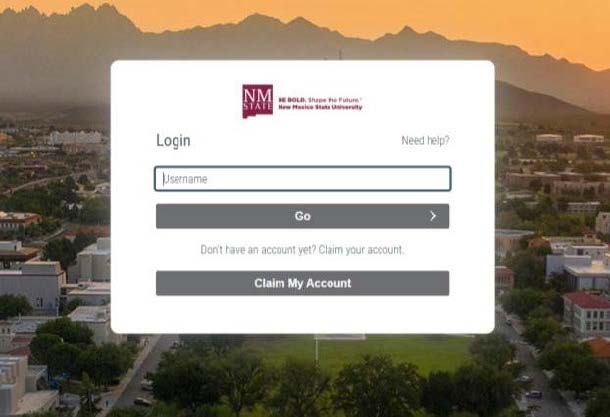
Account Claim Portal: identity.nmsu.edu
 

Self-Service Password Reset Portal: Password Reset
Student Account Claim Process:

Getting admitted and accepted to NMSU
You will receive a account claim email at your personal email address for the NMSU Rapid Identity Tool.
Click on the link in the claim account email. This will take you to the Accout Claim Portal.
On The Login page click on claim my account.
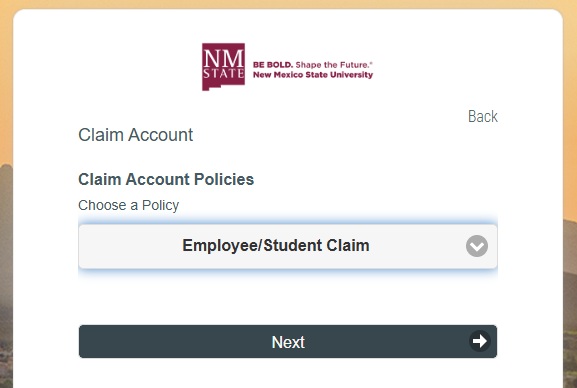
On the next page under Claim Account Policies select Employee/Student Claim and click next.
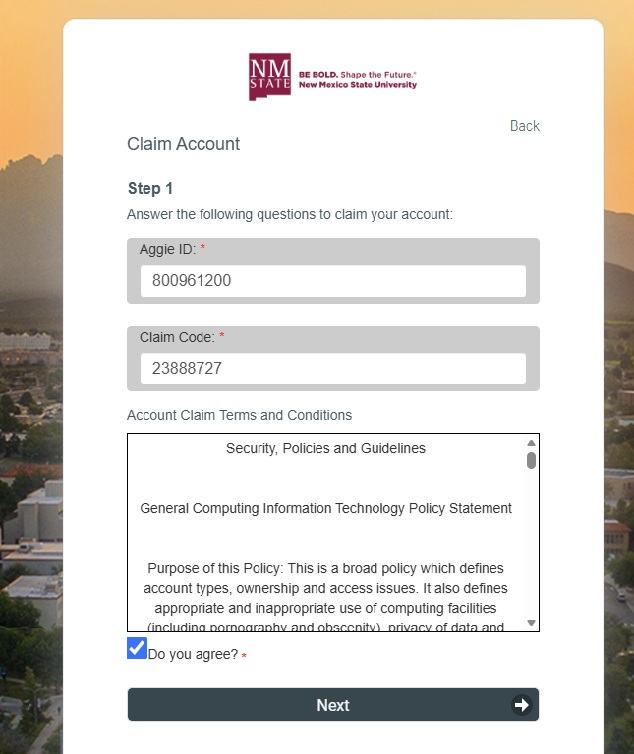
On this page enter your Aggie ID and Claim Code. These will be in the email that was sent to you.
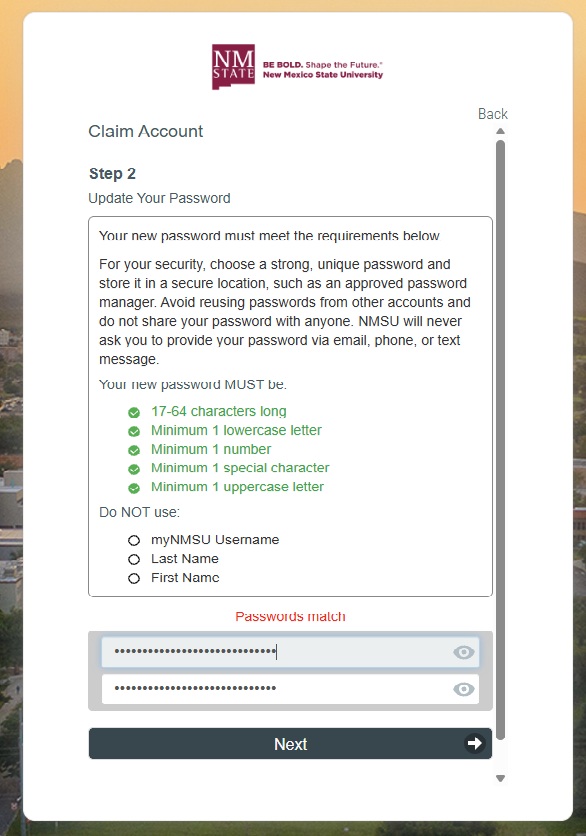
You will asked to create a password for your NMSU account.
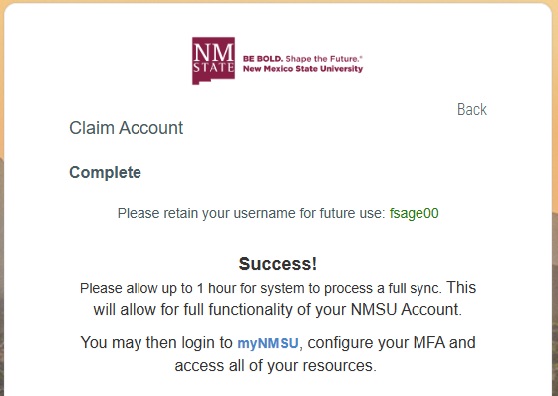
After making your new password it will take up to one hour to sync to the system